
Last reviewed: September 14, 2026.
Quick answer: what is the GPT-Image 2.5 API?
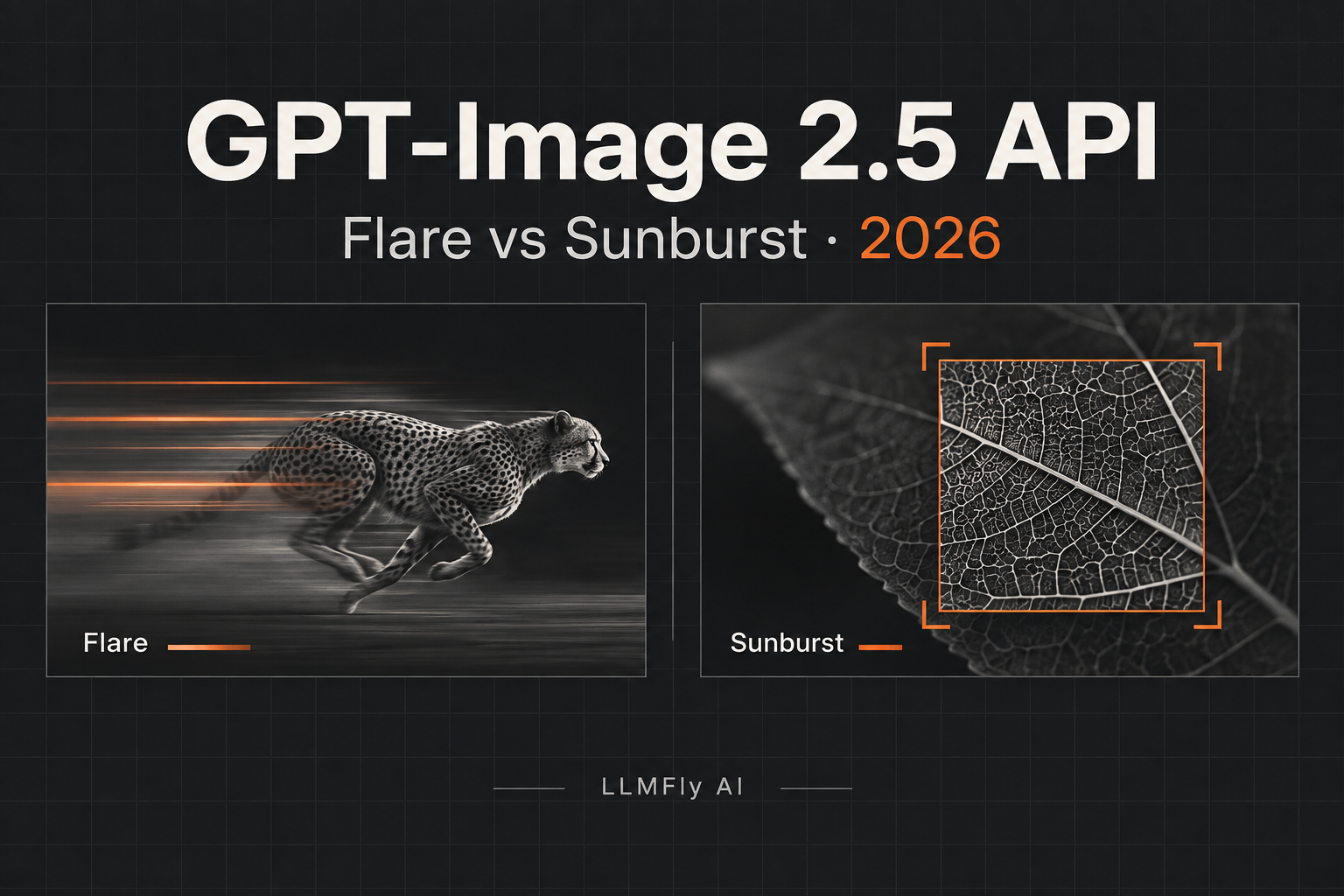
OpenAI released two GPT-Image 2.5 API models on September 8, 2026: gpt-image-2.5-flare for faster everyday generation and gpt-image-2.5-sunburst for higher-precision creative work that can take longer. Both support image generation, image editing, transparent backgrounds, custom resolutions, and quality levels from low through max.
The best default for a new production workflow is Flare when latency and iteration speed matter. Choose Sunburst when detailed product visuals, reference-image fidelity, precise localized edits, complex layouts, or final-delivery quality justify longer generation time. Do not choose only from the model name: test both on the same prompts and measure cost per accepted image.
Developers using LLMFly AI, a multi-model AI API platform, should check the live Model Plaza to confirm whether GPT-Image 2.5 routes are enabled for their model group, along with the exact route ID and current account rate before sending production traffic.
| Decision | GPT-Image 2.5 Flare | GPT-Image 2.5 Sunburst |
|---|---|---|
| Primary goal | Speed and everyday quality | Maximum precision and quality |
| OpenAI’s positioning | Small model; quality comparable to GPT Image 2 | Base model; quality above GPT Image 2 |
| Best starting use cases | Thumbnails, variations, iterative design, high-volume generation | Product campaigns, reference-led edits, typography, complex compositions |
| Generation time | Optimized for speed | Longer generation times |
| Published token prices | Same listed rates as Sunburst | Same listed rates as Flare |
What changed in ChatGPT Images 2.5?
OpenAI says Images 2.5 improves natural lighting, texture detail, subject preservation from reference photos, precision editing, and consistency across multiple editing turns. The company also reports up to 50% lower generation latency than Images 2.0.
For developers, the important change is not simply prettier first-pass output. A production image workflow often spends more time repairing a near-correct image than generating the first version. Better subject preservation and more localized edits can reduce rejected outputs and full regenerations, which may matter more than raw token price.
Are Sketch, Templates, and image comments available through the API?
Not as equivalent API parameters. Sketch, Templates, direct comments on images, and prompt sharing are ChatGPT product experiences. The API exposes the underlying image models and generation or editing controls, but developers must build their own drawing surface, templates, selection tools, annotation coordinates, history, and collaboration layer.
A product announcement can describe both ChatGPT and API capabilities on the same page. That does not mean every ChatGPT interface feature is automatically available as an Images API field.
Which GPT-Image 2.5 model is best for developers?
Start with gpt-image-2.5-flare when users generate many drafts, compare variations, or make repeated edits in an interactive interface. Faster iteration usually creates more product value than maximum detail on every attempt.
Start with gpt-image-2.5-sunburst when the cost of a failed or imprecise image is high: final advertising assets, product photography, detailed diagrams, exact subject preservation, dense layouts, or difficult compositing. If Sunburst passes your acceptance tests, run the same suite on Flare. Move the workload to Flare only if it preserves the required quality while improving latency.
| Workload | Recommended first test | Acceptance metric |
|---|---|---|
| Marketplace thumbnails | Flare | Accepted images per dollar and p95 latency |
| Product-background replacement | Sunburst, then Flare | Product identity and edge preservation |
| Ad variations | Flare | Usable variations per brief |
| Text-heavy posters | Sunburst | Exact text, layout, and brand consistency |
| Multi-turn photo editing | Both | Unrequested pixel changes after each turn |
| 4K final asset | Sunburst | Detail quality at delivery resolution |
How much does the GPT-Image 2.5 API cost in 2026?
OpenAI’s pricing page currently lists identical token rates for Flare and Sunburst:
| Token type | Input | Cached input | Output |
|---|---|---|---|
| Text tokens | $5.00 / 1M | $1.25 / 1M | Not applicable |
| Image tokens | $8.00 / 1M | $2.00 / 1M | $30.00 / 1M |
Do not interpret equal token rates as equal cost per completed image. Sunburst can take longer and different models or quality levels may consume different quantities of output tokens. The number that matters is:
cost per accepted image =
  (text input tokens × text input rate)
+ (image input tokens × image input rate)
+ (image output tokens × image output rate)
+ retries and rejected generations
For an illustrative request using 200 text input tokens, 800 image input tokens, and 1,200 image output tokens, the calculation at the published standard rates would be:
(200 / 1,000,000 × $5)
+ (800 / 1,000,000 × $8)
+ (1,200 / 1,000,000 × $30)
= $0.0434
This is a calculation example, not a typical per-image quote. Use the API response and billing records from your own resolution, quality, inputs, and prompts.
Is GPT-Image 2.5 more expensive than GPT Image 2?
No, not on the current published per-token rates. OpenAI now states that GPT-Image 2.5 Flare and Sunburst use the same token rates as GPT Image 2. However, equal token rates do not guarantee equal cost per completed image because token consumption varies by model, size, and quality. Measure actual usage and cost per accepted image before migrating production volume.
How do you call GPT-Image 2.5 with the OpenAI API?
The Images API accepts the new model IDs. This Python example generates a landscape image with Flare and writes the returned base64 data to a PNG file:
import base64
import os
from openai import OpenAI

client = OpenAI(api_key=os.environ["OPENAI_API_KEY"])

result = client.images.generate(
    model="gpt-image-2.5-flare",
    prompt=(
        "A clean editorial illustration of an API workflow. "
        "Matte charcoal background, restrained orange accents, no logo."
    ),
    size="1536x1024",
    quality="medium",
    background="opaque",
    output_format="png",
)

with open("output.png", "wb") as image_file:
    image_file.write(base64.b64decode(result.data[0].b64_json))
Use gpt-image-2.5-sunburst in the same request when quality is the priority. OpenAI also provides dated snapshots—gpt-image-2.5-flare-2026-09-08 and gpt-image-2.5-sunburst-2026-09-08—for teams that prefer a pinned model version.
Which sizes and quality settings are supported?
GPT-Image 2.5 supports auto, low, medium, high, xhigh, and max quality. It accepts custom resolutions when width and height are divisible by 16 and the aspect ratio remains between 1:3 and 3:1. OpenAI documents common sizes including 1024×1024, 1536×1024, 1024×1536, 2048×2048, 2048×1152, 3840×2160, and 2160×3840.
Resolutions above 2560×1440 are described as experimental. Treat 4K output as a separate evaluation tier: test latency, file size, visual defects, typography, and downstream processing before exposing it as a default option.
How do transparent backgrounds work?
Set background="transparent" and use PNG or WebP output. Unlike GPT Image 2, where OpenAI labels transparent backgrounds as preview, the API reference lists transparent and opaque backgrounds as supported for both GPT-Image 2.5 models and their dated snapshots.
How should you migrate from GPT Image 2?
- Freeze a representative evaluation set of prompts and source images.
- Record current acceptance rate, p50 and p95 latency, token use, and human-edit time.
- Test Flare first when GPT Image 2 already meets the quality bar.
- Test Sunburst first when GPT Image 2 fails difficult quality requirements.
- Compare exact text rendering, subject identity, composition, local edits, transparent edges, and multi-turn drift.
- Calculate cost per accepted image, including retries and manual repair.
- Pin the dated model snapshot if reproducibility matters.
- Roll out gradually and keep the previous model available for rollback.
What should a production image evaluation measure?
Generic aesthetic preference is not enough. Build acceptance tests around your product:
- Prompt adherence: required objects, prohibited objects, count, layout, and exact copy.
- Edit locality: how much of the image changed outside the requested area.
- Identity preservation: recognizable people, pets, products, and brand assets.
- Multi-turn drift: whether approved details survive later edits.
- Latency: p50, p95, timeout rate, and cancellation behavior.
- Cost: tokens, retries, rejected outputs, and manual finishing time.
- Safety: moderation outcomes, provenance requirements, and policy escalation.
Can you use GPT-Image 2.5 through LLMFly AI?
Availability depends on the model group enabled for your account. Open the LLMFly AI Model Plaza, confirm that GPT-Image 2.5 is available to your account, and copy the exact route ID rather than assuming the public OpenAI ID is interchangeable.
When a GPT-Image 2.5 route is enabled, LLMFly AI shows the current account rate alongside the reference price. That makes it easier to compare the cost of Flare and Sunburst with the other model steps in a production image workflow, including prompt refinement, product metadata, captions, content classification, agent planning, and quality review.
When comparing the best LLM API providers in 2026, image-model availability should be evaluated separately from general text-model coverage. Check image inputs and outputs, editing support, maximum resolution, latency, current route pricing, and cost per accepted asset—not only the number of model names in a catalog.
Before production use, test the supported parameters, image-input behavior, output format, latency, and cost recorded in usage history. Model access and pricing can change, so link to the live Model Plaza instead of hard-coding a permanent discount percentage into application documentation.
FAQ
What is the difference between ChatGPT Images 2.5 and GPT-Image 2.5?
ChatGPT Images 2.5 is the user-facing ChatGPT experience. Developers access the underlying image capabilities through GPT-Image 2.5 Flare and Sunburst in the API.
Is GPT-Image 2.5 Flare cheaper than Sunburst?
OpenAI currently lists the same per-token rates for both. Flare may still produce a lower cost per accepted image if its faster workflow and output quality reduce retries, but teams must measure their own usage.
Does GPT-Image 2.5 support image editing?
Yes. Both models support generation and editing, including reference-led workflows, localized changes, and transparent backgrounds.
Should I use Flare or Sunburst?
Use Flare as the default candidate for interactive and high-volume workloads. Use Sunburst when higher precision materially improves acceptance rate or reduces manual repair.
Can GPT-Image 2.5 generate 4K images?
The API supports resolutions up to 3840×2160 or 2160×3840, while resolutions above 2560×1440 are marked experimental. Test them before production.
Bottom line
GPT-Image 2.5 is a two-model API decision, not a single universal upgrade. Flare is the best first test for speed and scale; Sunburst is the best first test for demanding visual precision. Because the published token rates are equal between the two models—and OpenAI’s GPT Image 2 price comparison is currently inconsistent—the practical metric is cost per accepted image.
Leave a Reply